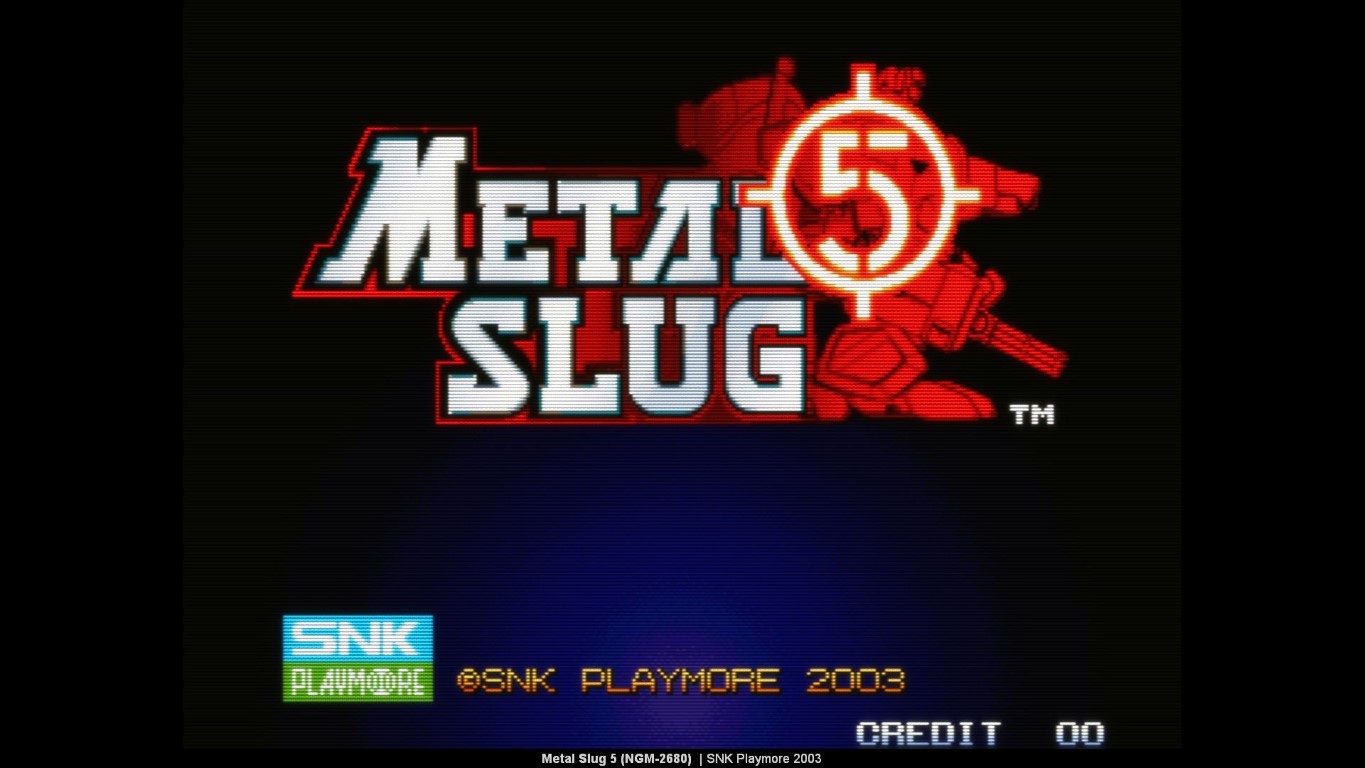
A MAME screen saver
Screen savers used to be all the rage years ago when we had CRT monitors and were worried about screen burn. These days on laptops we tend to let the operating system save power and turn off the monitor.
However if you want a retro looking screen saver to burn power then there is MAME Saver - a MAME emulated screensaver. To use the screen saver you need to:
- Download a version of MAME.
- Acquire some MAME games and get them working in MAME
- Install MAME Saver and configure it. Releases are here.
The screen saver will pick a random game from your collection and play the demo screen. If you choose to play the game you see then hit ENTER key and the screen saver will exit and start the game. By default key 5 adds credits and key 1 starts games.
With the exception of multi-screen games, most MAME games run on a single monitor. However to stop all your other monitors looking woeful, MAME Saver can stream the MAME game to the other monitors.
I wrote more about multiple screen support here. The full code and releases can be found here on github.
Readers with keen eyes will spot the custom overlay with game details at the bottom

Matt added some lovely game filtering here