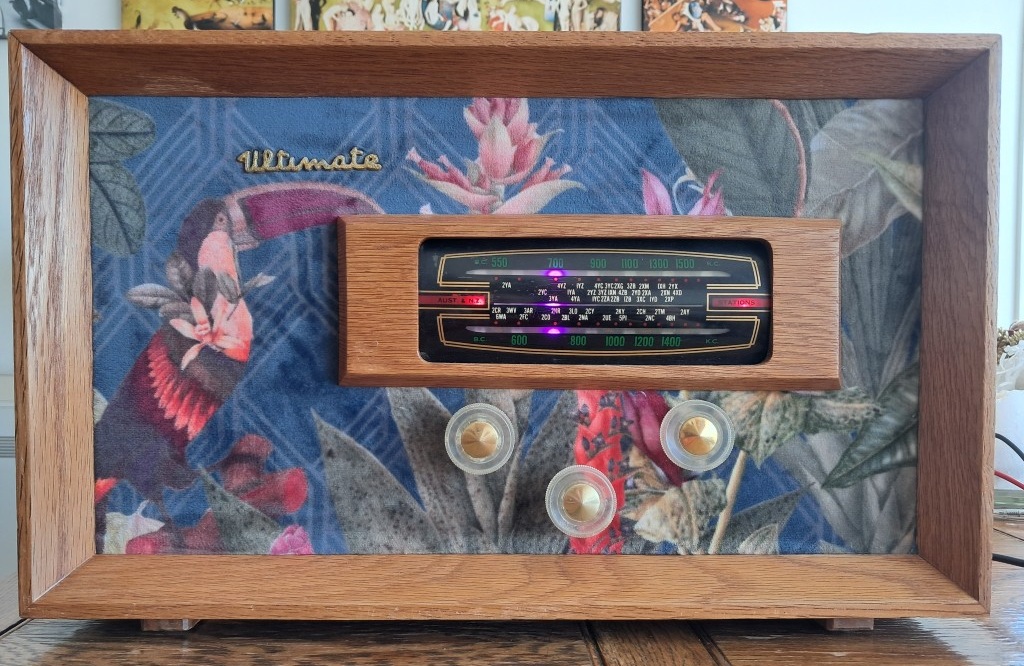
Ultimate Radio upgrade
History
Radio Ltd was one of the first New Zealand radio companies. The company operated from 1922 through to 1967 specializing in radio receivers. Originally founded in 1922 out of Auckland, they produced radios and established Auckland’s first radio station 1YA.
Under the Ultimate brand, they made an impressive number of models (over 150) over their 45 years of production. Their design and engineering excellence made Ultimate Radio a respected name in New Zealand & Australia. In 1967 they came under the control of UK company Pye.
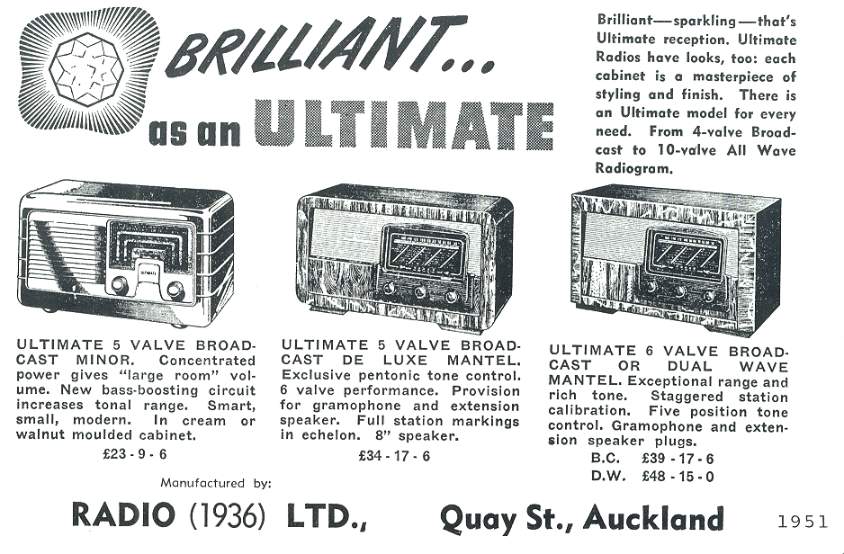
1955 Ultimate Radio RDG Sorrento upgrade
I picked up a RDG Sorrento in a second hand shop last year. This valve radio was still working as an AM radio, however the wiring was original and didn’t really look that safe. AM radio stations don’t sound great and there are not many these days.
After 70 years of wear Tuner with original power cable and death chassis💀. Many antique radio chassis are ‘hot’, meaning that they can have high voltages exposed externally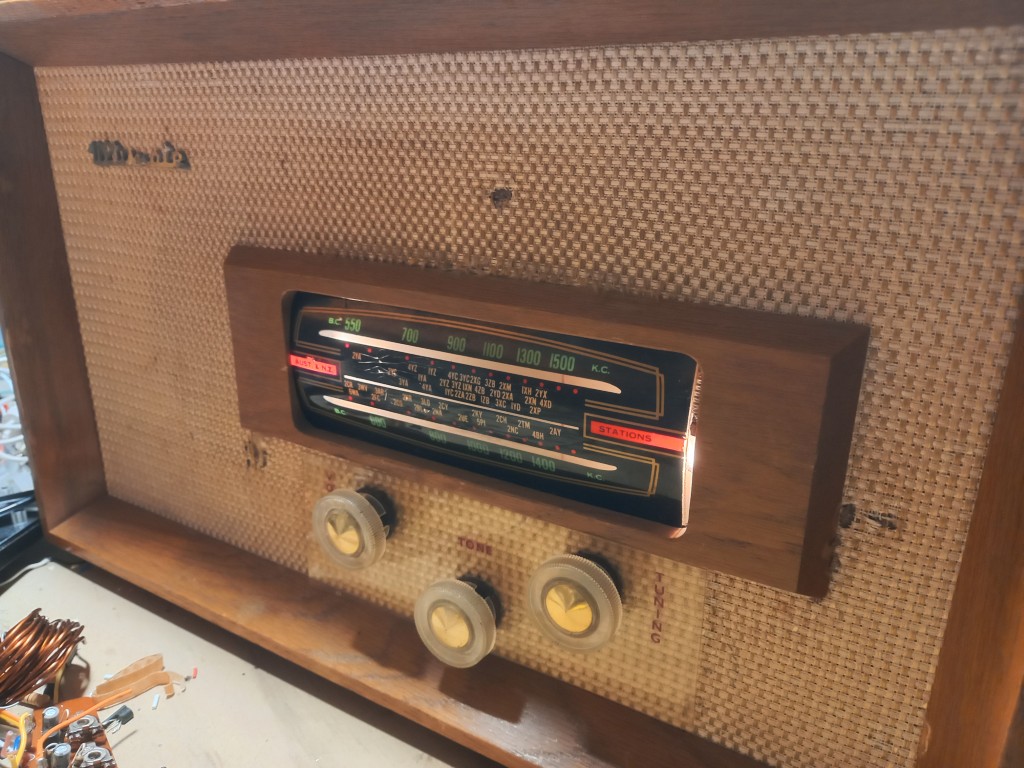
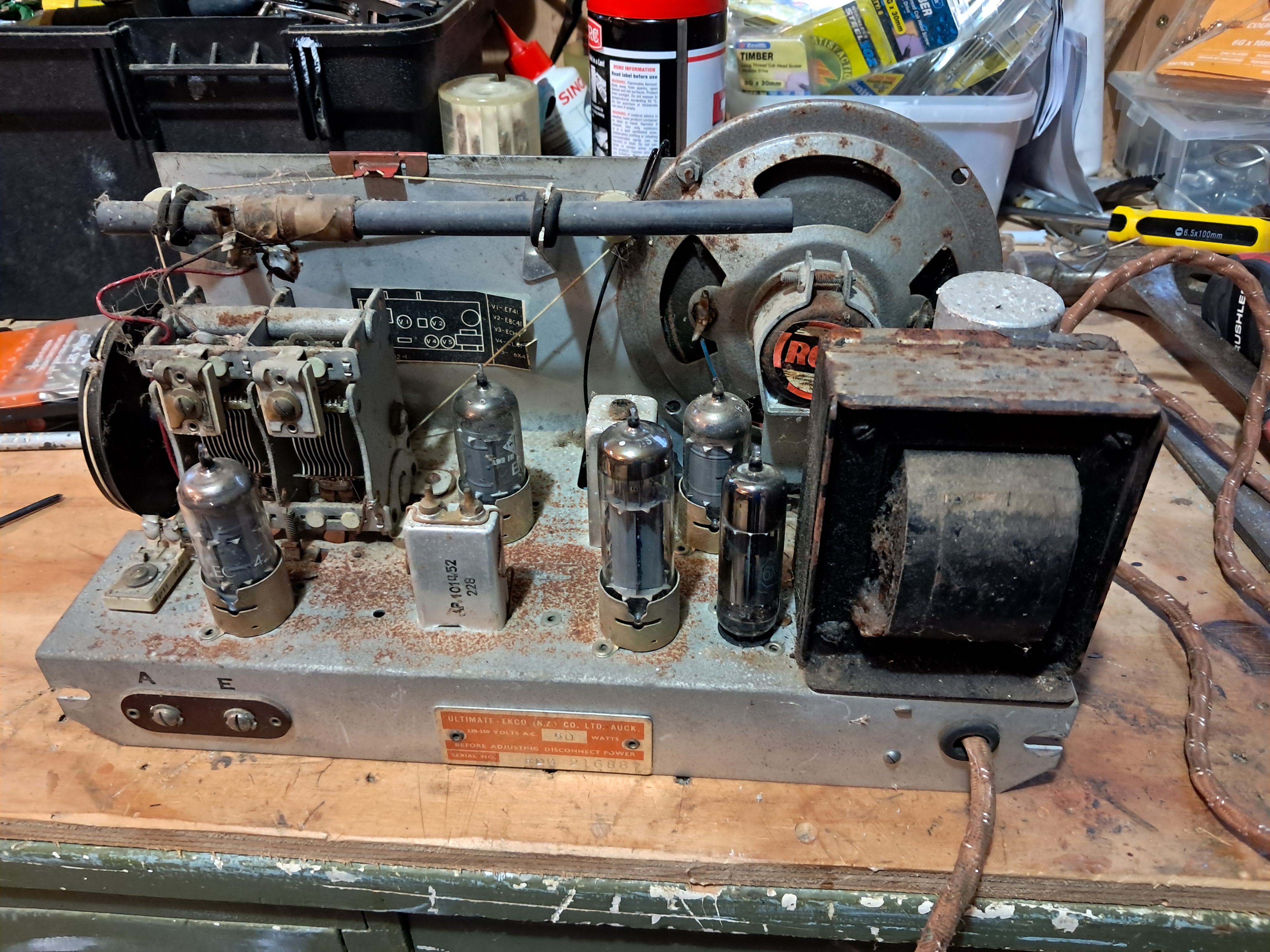
I decided to give the radio a refresh and replace the internals. Unlike my 1971 Technics Cassette deck upgrade, the appearance needed an update. The original fabric was a dull brown with holes in it.
Case, speakers & amplifier
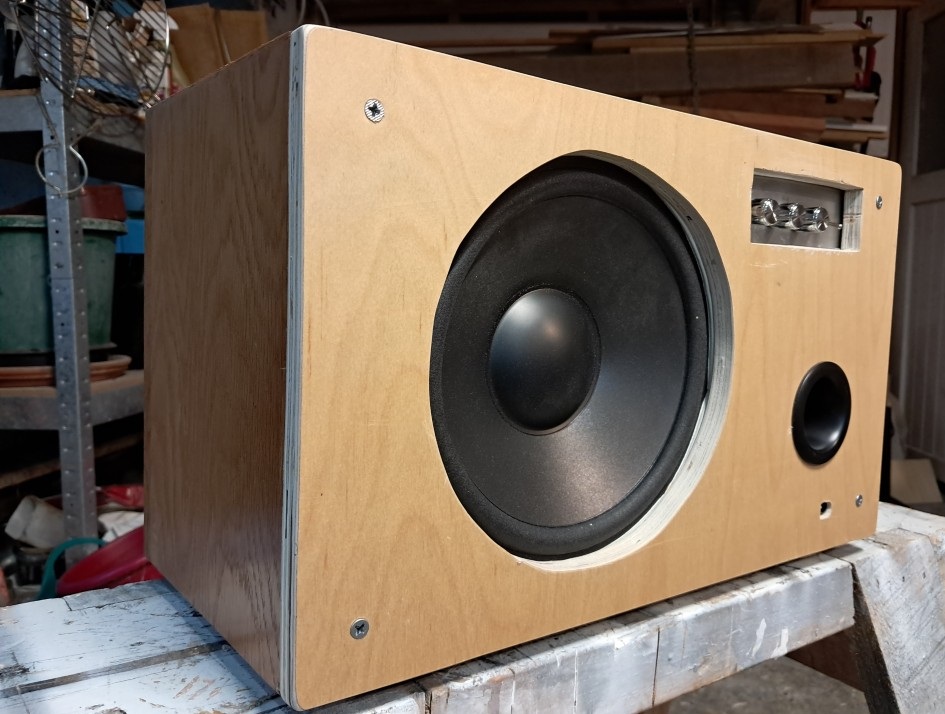
Originally there was only a single speaker for the mono AM radio. I replaced the front panel with a new piece of plywood. Mounted are new tweeters and mid-range speakers.
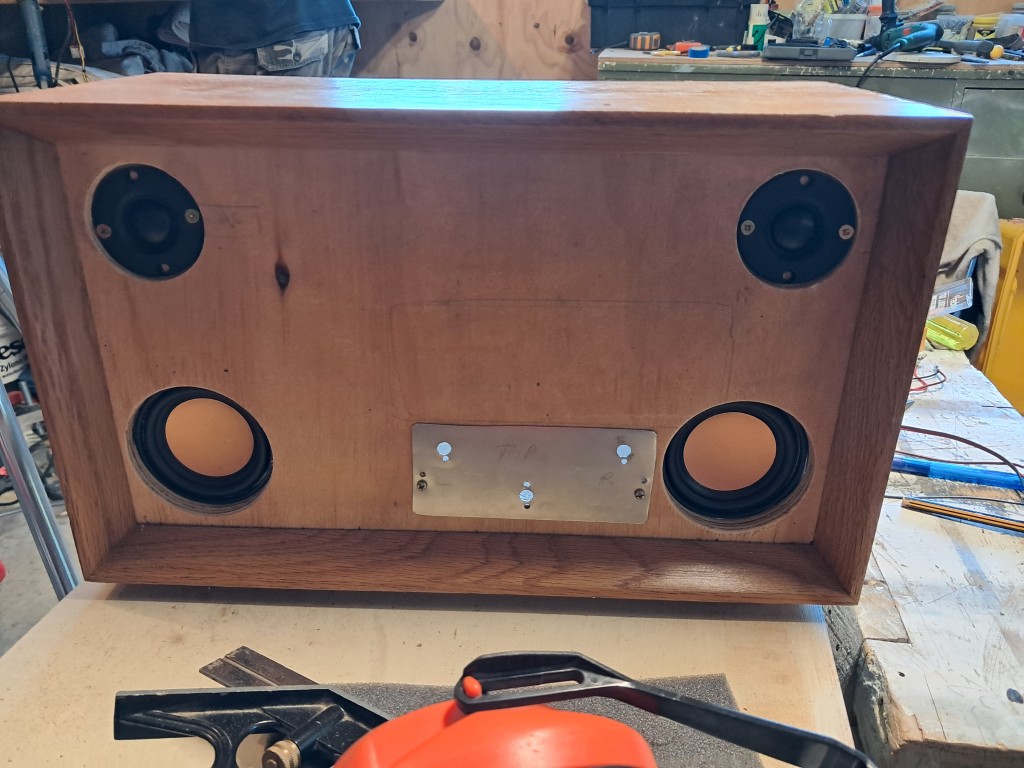
Layout of new speakers & controls
I installed a ZK-HT22 2.1 channel amplifier. The amplifier supports analog and bluetooth input. It’s a beast for the size.
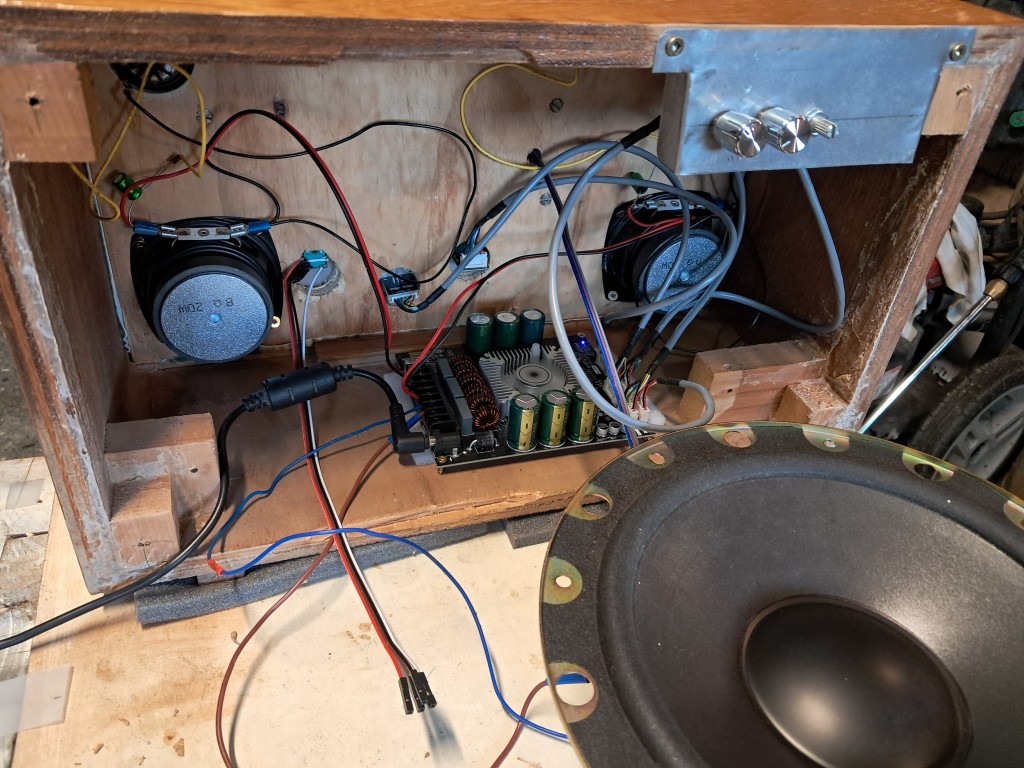
Amplifier & 8 inch sub-woofer
Power
The amplifier runs on between 15-36V DC. I am using an old 19V 7 amp laptop power supply. One interesting issue I found is that when it was powered on, the amplifier would pull more than 7 amps and trip the max 7 amp safety limit of the supply. This would shut off the power supply and require a power cycle to reset it. On the second power up the amplifier capacitors would already be charged and everything would work.
To avoid this issue, I needed a circuit to reduce the current to ~6 amps for ~500ms at power-on to charge the capacitors before disengaging and letting the full current flow. This type of circuit uses a relay and generates a ‘click’ noise 500ms after power-on. You might be familiar with the noise if you have a more traditional hifi amplifier with similar logic.
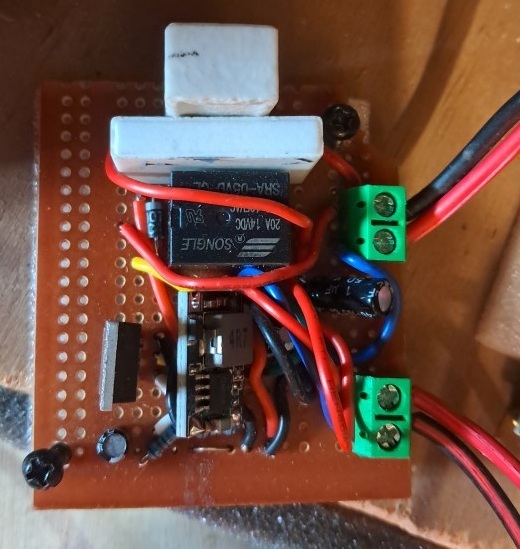
Schematic of circuit to limit startup power draw The LM7805 was eventually replaced with a more efficient buck converter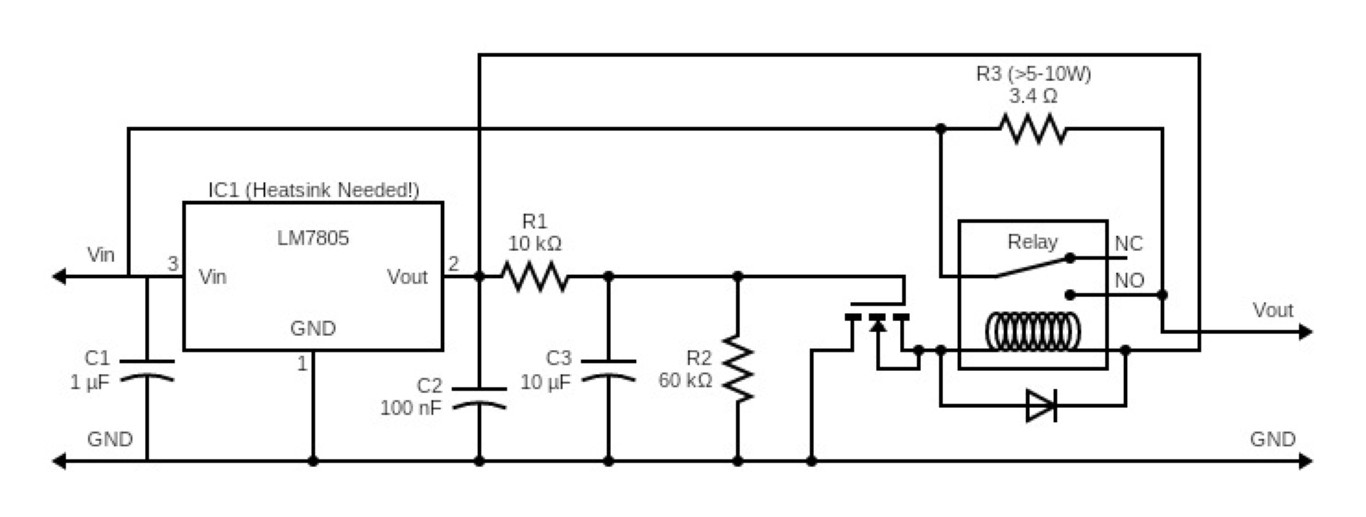
Controls
The volume and sub-woofer volume controls are mounted on the front. The third knob on the front is a rotary controller for a virtual tuner. The remaining controls are mounted on a stainless steel back panel (treble, front bass & sub-woofer cross-over)
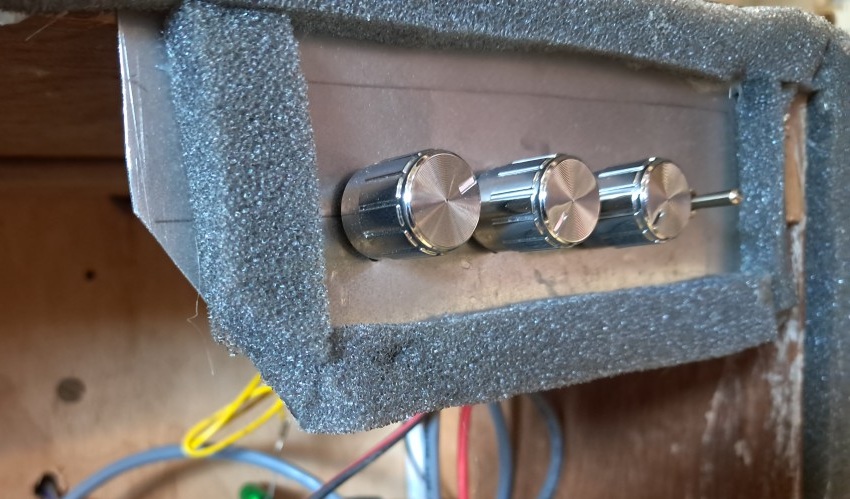
Back panel controls with sealing foam
Radio streaming
I decided to use a $5 Espressif ESP32 to stream mp3 radio. These are dual core, support WiFi and run at 240Mhz. I chose a model that supports an external antenna. I am using a PCM5102A DAC to convert the digital audio to analog audio.
Internet radio streams are generally a compressed format such as MP3 or AAC. To manage the streaming and real-time conversion I am using an incredibly impressive library called Audio-Tools. This library has many audio functions including streaming MP3 and AAC data from the internet and piping the output to an I2S device.
AAC support with PSRAM
AAC decoding requires significantly more memory than MP3. The standard ESP32-WROOM doesn’t have enough RAM to handle AAC streams, but the ESP32-S3 variants that include PSRAM (pseudo-static RAM) do. At startup the firmware detects whether PSRAM is available using ESP.getPsramSize(). If PSRAM is present, AAC support is enabled alongside MP3 via a MultiDecoder that selects the appropriate codec based on the stream content type. If no PSRAM is detected, the radio falls back to MP3-only mode. This means you can use the same firmware on both boards — it adapts automatically.
ESP32 dev module with external antenna & PCM5102A DAC An external antenna provides a reliable stream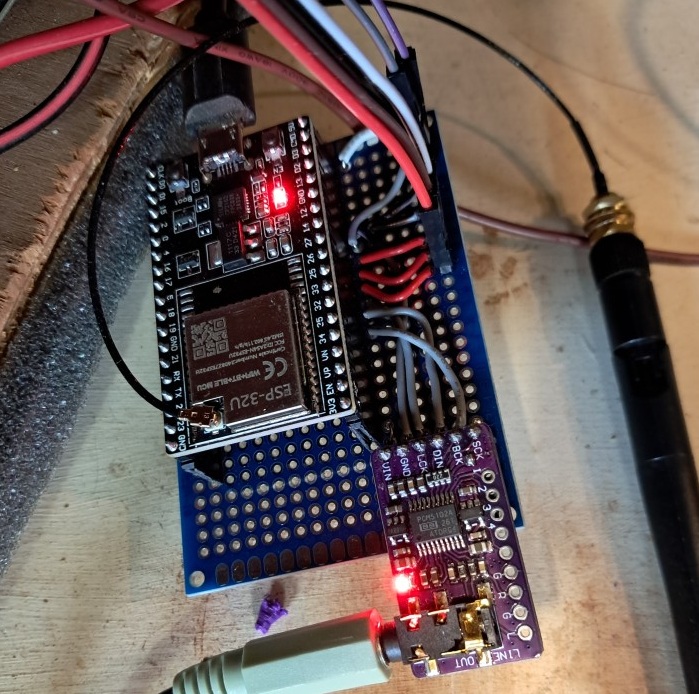
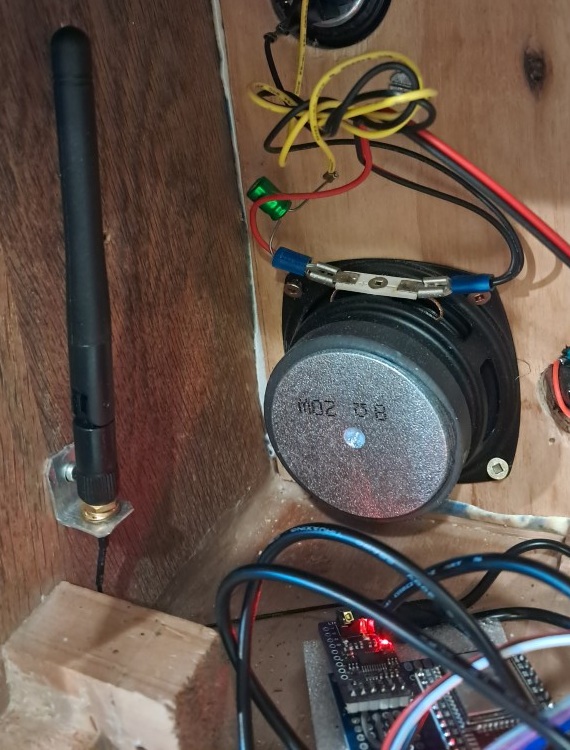
Radio station control
The original tuner included a needle that would show the frequency the radio was tuned to. I decided to replace the tuner indicators with WS2812 RGB LED strips in a 8x3 grid. The rotary encoder on the front of the unit is used a virtual tuner control.
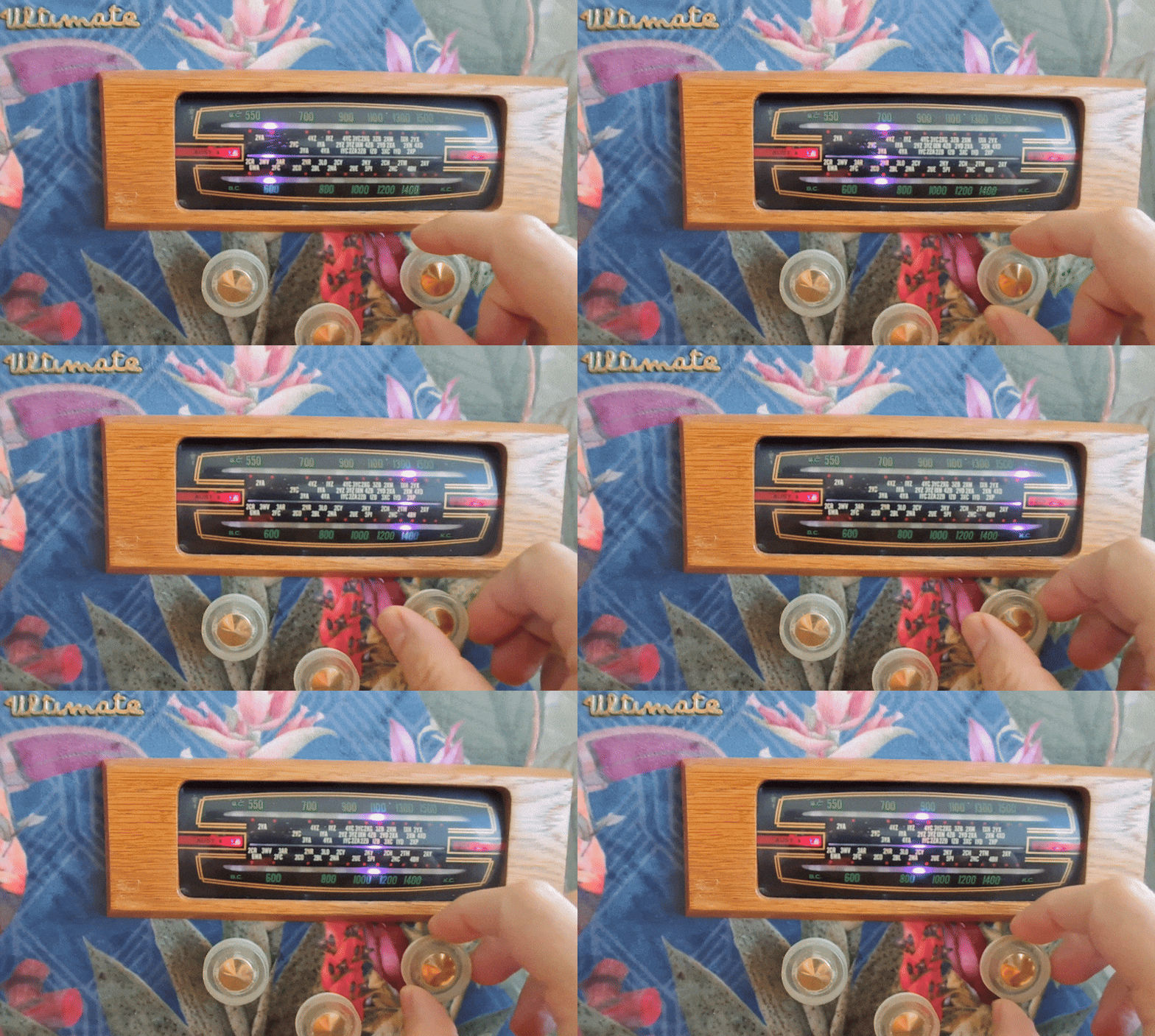
Selecting the radio stream
The stations are loaded at startup from a radio-config.txt file hosted on GitHub. The first line is the default station index (zero based) and the second is the volume (0.0 - 1.0). Each subsequent line is a station URL followed by a comma and the station name. Here’s an example configuration:
2
0.5
https://admin.stream.rinse.fm/proxy/rinse_uk/stream, Rinse FM UK
http://stream.srg-ssr.ch/srgssr/rsj/mp3/128, Radio Swiss Jazz
https://streaming.brol.tech/rtfmlounge, RTFM Lounge
http://streaming.swisstxt.ch/m/drsvirus/mp3_128, Dr Virus
http://livestreaming-node-1.srg-ssr.ch/srgssr/couleur3/mp3/128, Couleur Swiss Radio
Software
The source code is available at https://github.com/andyvans/ultimate-radio. I like to develop in VS Code and use PlatformIO.
The device control (rotary encoder, button & LEDs) code runs on core 0 along with the WiFi. This means the second core is entire dedicated to MP3 decoding and I2S conversion. The default memory buffers have been increased to get a smooth audio stream and tolerate networking issues.
Interactions between the code running across the cores is thread safe. For instance, when the station is changed by the device code on core 0, it updates a _pendingChannel variable in the audio code. This is subsequently picked up the the audio code on core 1.
The station changing code has debounce logic to only change the stream when the station index hasn’t changed for at least 500ms.
Finished
I grabbed a fun piece of fabric that reminded me of the wallpaper in The White Lotus.
Keeping the original look on the front (more or less) It’s all business back here with an 8 inch sub-woofer and port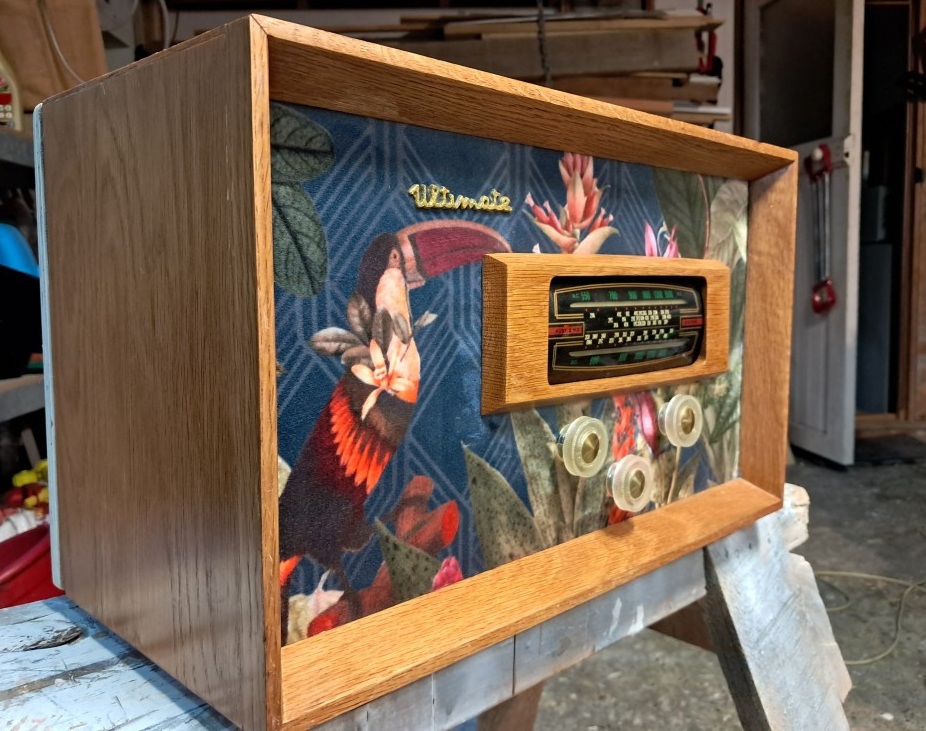
Final thoughts
The sound quality is pretty good and it has a nice resonance for the size of the unit. Internet radio is a free (often ad-free), fun, often forgotten resource. There is something quite nice and tactile about playing music without a phone or TV.
Featured in
Since publishing this page there have been a couple of articles about it: